Bio finger enrollment
The Smart Card Manager can be used for bio finger enrollment. This operation requires a smart card reader that is compatible with finger biometry.
In the “Smart card management” tab, when a token compatible with finger biometry is read, a Biometric item is displayed under the PIN menu. The menu on the right can be used for enrollment.
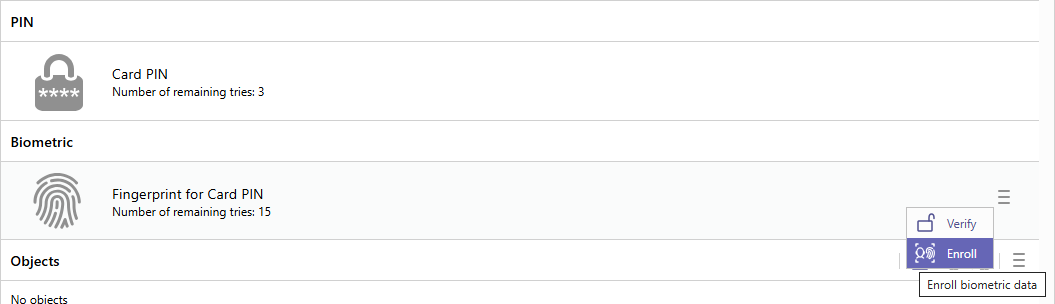
Depending on the token profile, a user or an admin PIN is required.
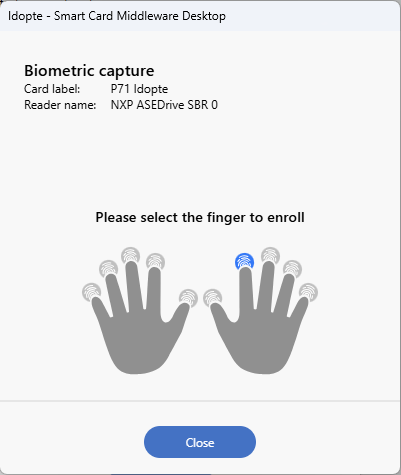
Then click on the finger to enroll and follow the instructions of the dialog.
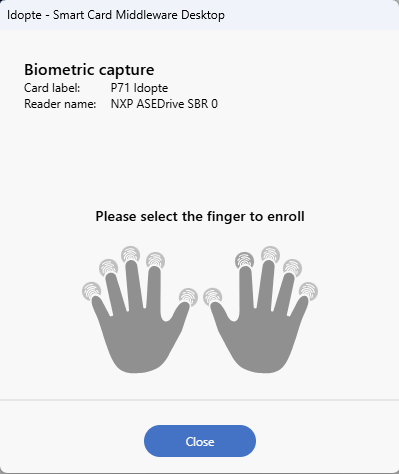
Once a finger is enrolled, it will be displayed in blue.